

Businesses are constantly exploring innovative ways to enhance their online presence and customer engagement. One innovative tool gaining popularity is the Google Review NFC Card by Pienum.
This card simplifies the process of collecting reviews for your business by combining the power of NFC technology and Google My Business. In this guide, we’ll walk you through the simple steps to get started.
Google Review NFC Card
Google Review NFC Cards allow users to quickly access a business’s Google My Business profile and leave reviews with just a tap on their smartphone screen. If you’re wondering how to activate your Google Review NFC card, you’ve come to the right place.
To begin the setup:
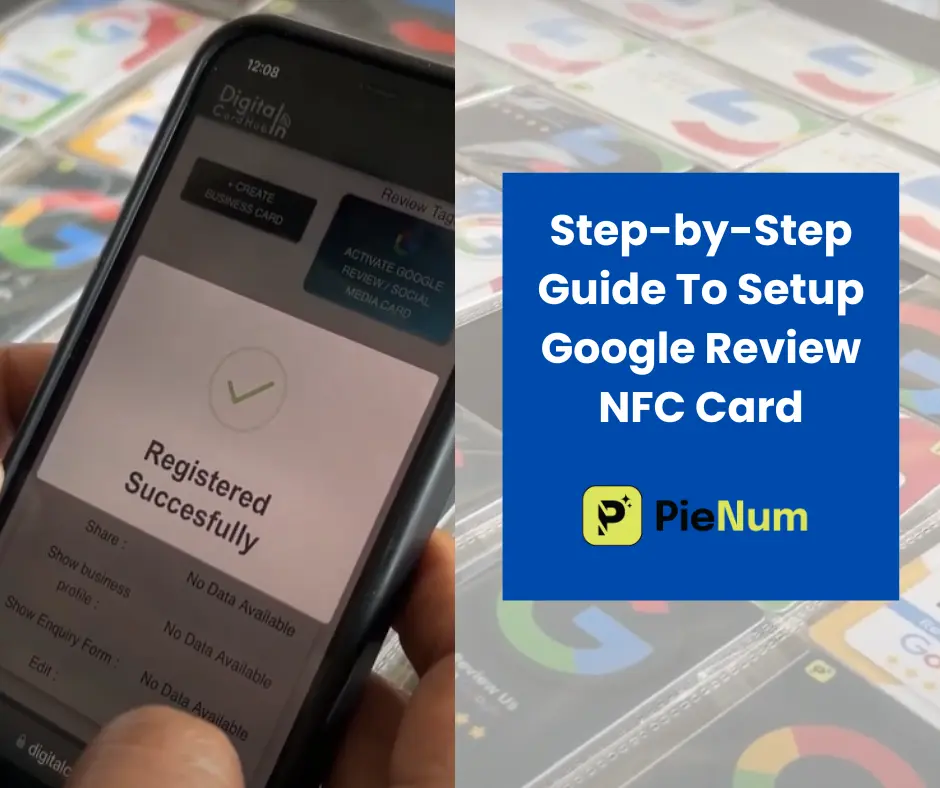
Step 1: Tap Your Card on the Phone Screen
Begin by tapping your NFC card on your phone screen or alternatively, scan the QR code provided on the card. This action triggers the setup page to appear on your device.
Step 2: Sign Up and Complete Details
Upon accessing the setup page, click on the “Sign Up” button and proceed to fill in all the required details accurately. Ensure all information is entered correctly, then submit the form to finalize the registration process.
Step 3: Activate Your Google Review NFC Card
Following successful registration, locate and select the “Activate Google Review/Social Media Card” option. Follow the prompts provided to activate your card seamlessly.
Step 4: Enter Your Google My Business Profile Link
Navigate to your Google My Business profile and copy the link to your business profile. Return to the setup page and input the copied link into the designated “EDIT TAG” section. Remember to save the changes made.
Step 5: Submit The Link
You will see a message confirming the successful submission of the link.
Now, your card is activated. Let’s give it a try.
Step 6- Test Your Card
With the changes saved, your NFC card is now activated. To ensure functionality, perform a quick test by tapping your card on your phone screen. You should be promptly redirected to the review-giving section of your Google My Business profile.
Step 6: Encourage Reviews
Now that your NFC card is activated, encourage customers to leave reviews effortlessly. A simple tap allows them to submit star ratings and personal reviews, enhancing your online presence and attracting new customers.
Testing Google Review Cards
- Tap your card on the phone screen.
- A link will appear.
- Click on the link; it will redirect you to the Google My Business profile of your business page, specifically to the review-giving section.
- Here, users can easily and quickly submit a star rating or write a personal review.
Follow these steps accurately for testing purposes and optimize your Google Review NFC card for effective customer engagement.
Also Read– Benefits Of Google Review NFC Cards
Frequently Asked Questions-
How long does the activation process take?
The activation process is swift, taking only a few minutes. Once you’ve followed the steps, your NFC card will be ready for use.
Is it necessary to sign up for a Google account?
Yes, a Google account is required for the activation process. It ensures the security and accuracy of the information provided.
What happens if my card doesn’t activate successfully?
If you encounter issues during activation, double-check your internet connection and ensure the information provided is accurate. If problems persist, contact Google support for assistance or contact us.
Can I activate my Google Review NFC card without a Google My Business profile?
No, you need to have a Google My Business profile for your business. You will enter the profile link during the activation process.
How can I encourage customers to leave reviews using the NFC card?
Once activated, inform customers about the convenience of leaving reviews with a simple tap. Encourage them to share their experiences and feedback.
How can I purchase Google Review NFC cards from Pienum?
To purchase Google Review NFC cards from Pienum, visit our official website or contact our sales team. We’ll guide you through the process and help you choose the right package for your business.